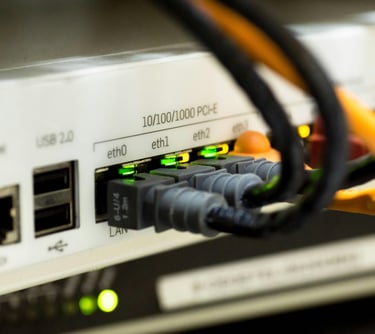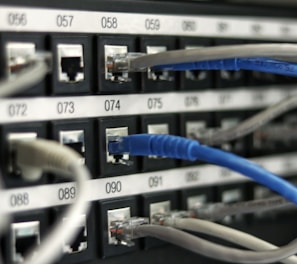

CCNA-Cisco Certified Network Associate
Build Strong Networking Foundations for Your IT Career
At HackersHub, our CCNA training course is designed to provide a strong foundation in networking concepts and practical skills required in modern IT environments. This course prepares learners to understand, configure, and troubleshoot network infrastructures used in organizations worldwide.
Practical Networking Training
Our CCNA program focuses on hands on labs, real network scenarios, and practical troubleshooting, helping learners gain confidence in managing and securing networks.
What You Will Learn
Networking fundamentals and OSI & TCP/IP models
IP addressing, subnetting, and routing concepts
Switching, VLANs, and inter VLAN routing
Network security fundamentals
Wireless networking and WAN technologies
Hands-on configuration and troubleshooting
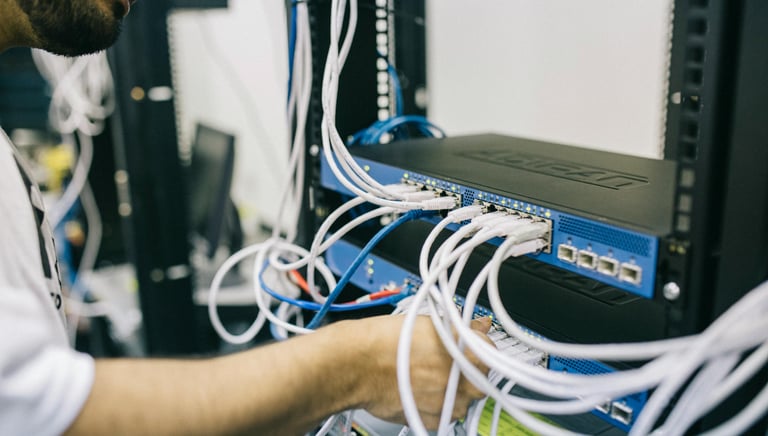
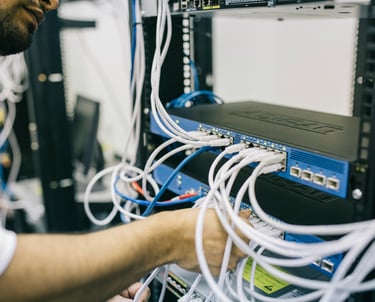
CCNA-Cisco Certified Network Associate
1.0 Network Fundamentals
Explain the role and function of network components
Routers
L2 and L3 switches
Access points
Controllers (Cisco DNA Center and WLC)
Endpoints
Servers
Describe characteristics of network topology architectures
2 tier
3 tier
Spine-leaf Architecture
WAN
On-premises and cloud
Compare IPv6 address types
Global unicast
Unique local
Link local
Anycast
Multicast
Modified EUI 64
Describe wireless principles
Nonoverlapping Wi-Fi channels
SSID
RF
Encryption
Explain virtualization fundamentals (virtual machines)
Describe switching concepts
MAC learning and aging
Frame switching
Frame flooding
MAC address table
· 2.0 Network Access
Configure and verify VLANs (normal range) spanning multiple switches
Access ports (data and voice)
Default VLAN
Connectivity
Configure and verify interswitch connectivity
Trunk ports
802.1Q
Native VLAN
Configure and verify Layer 2 discovery protocols (Cisco Discovery Protocol and LLDP)
Configure and verify (Layer 2/Layer 3) EtherChannel (LACP)
Describe the need for and basic operations of Spanning Tree Protocol and identify basicerations
Root port, root bridge (primary/secondary), and other port names
Port states (forwarding/blocking)
Port Fast benefits
Compare Cisco Wireless Architectures and AP modes
Describe physical infrastructure connections of WLAN components (AP, WLC, access/trunk ports)
Describe AP and WLC management access connections (Telnet, SSH, HTTP, HTTPS, console, and TACACS+/RADIUS)
Configure the components of a wireless LAN access for client connectivity using GUI only such as WLAN creation, security settings, and advanced WLAN settings
3.0 IP Connectivity
3.1
Interpret the components of routing table
Routing protocol code
Prefix
Network mask
Next hop
Administrative distance
Metric
Gateway of last resort
Describe the purpose of first hop redundancy protocol
4.0 IP Services
Configure and verify inside source NAT using static and pools
Configure and verify NTP operating in a client and server mode
Explain the role of DHCP and DNS within the network
Describe the use of syslog features including facilities and levels
Configure and verify DHCP client
Configure network devices for remote access using SSH
Describe the capabilities and function of TFTP/FTP in the network
5.0 Security Fundamentals
Define key security concepts (threats, vulnerabilities, exploits, and mitigation techniques)
Describe security program elements (user awareness, training, and physical access control)
Configure device access control using local passwords
Describe security password policies elements, such as management, complexity, and password alternatives (multifactor authentication, certificates, and biometrics)
Describe remote access and site-to-site VPNs
Configure and verify access control lists
Differentiate authentication, authorization, and accounting concepts
Describe wireless security protocols (WPA, WPA2)
Configure WLAN using WPA2 PSK using the GUI
Configuring Command Automation using DNA Centre